

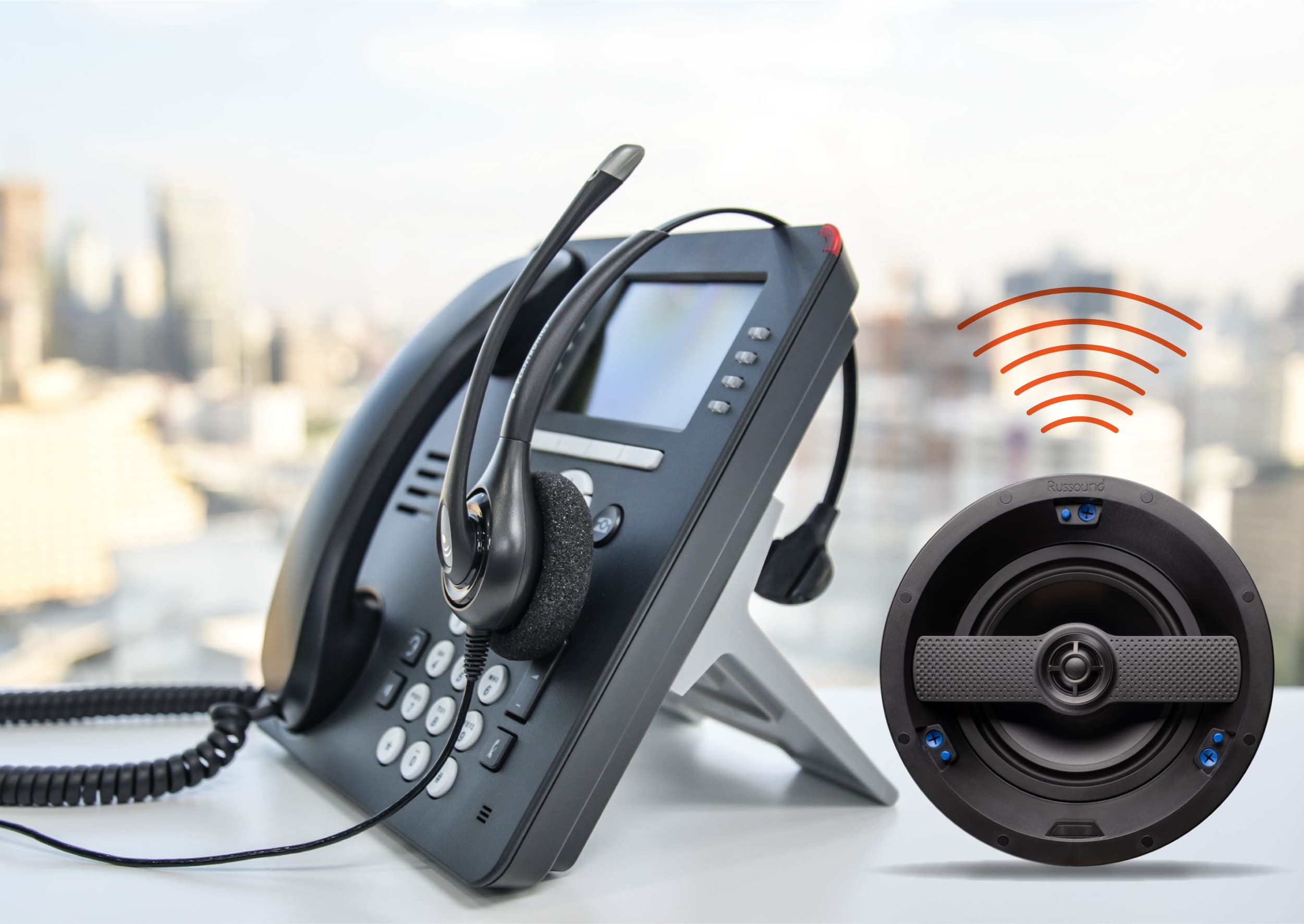
What Is a Paging System & How Does It Work? (2026 Guide)
Table of Contents
- What Is a Paging System?
- How Does a Paging System Work?
- Types of Paging Systems
- Key Benefits of a Paging System
- Drawbacks & Limitations
- Common Use Cases & Industries
- How to Choose the Right Paging System
- Comparison Table
- Cost & Pricing Overview
- Frequently Asked Questions
- Conclusion
- References
Introduction
If you've ever been in a hospital and heard a doctor being called over a speaker, or walked into a warehouse and heard a shift announcement echo across the floor — you've experienced a paging system firsthand.
Most people encounter paging systems every day without thinking much about them. But for business owners and facility managers, understanding exactly what a paging system is and how it works is the first step toward making a smart technology investment.
In this guide, Nexlar Security breaks it all down in plain language. We'll cover the definition, the components, how the signal flows from start to finish, and what to consider when choosing a system for your Texas business.
📞 Want Expert Advice for Your Facility?
Nexlar Security offers FREE on-site consultations for Texas businesses. Our licensed team will assess your facility and recommend the right paging solution. 👉 Book Your Free Site Survey Today
What Is a Paging System?
A paging system is a communication infrastructure that allows a central operator or automated source to broadcast audio messages to one or more locations within a facility — instantly and simultaneously.
In commercial settings, paging systems are installed in buildings, campuses, warehouses, hospitals, schools, and industrial facilities to support mass communication needs that phones, radios, or emails simply can't handle at scale or speed.
At its simplest, a paging system includes a microphone or input source, a controller or amplifier, and a network of speakers or audio endpoints. Together, these components allow a single voice to reach hundreds of people in seconds.
In modern deployments, paging systems are far more sophisticated. They can be triggered automatically by fire alarms or access control events, scheduled for recurring announcements, managed remotely over a network, and integrated with security cameras and access control platforms for a fully connected facility.
It's worth noting the difference between a paging system and an intercom. An intercom typically allows point-to-point or two-way communication between specific locations. A paging system is designed for one-to-many broadcasting — reaching an entire zone or building at once.
How Does a Paging System Work?
Understanding the signal flow of a paging system helps you appreciate how all the components fit together. Here's a step-by-step breakdown:
Step 1 – Initiating the Page Someone picks up a microphone, uses a software dashboard, dials a paging extension on a phone system, or an automated event (like a fire alarm trigger or scheduled broadcast) initiates the message.
Step 2 – Signal Encoding & Processing The audio signal is captured and sent to the central controller or amplifier. In analog systems, this is a physical amplifier unit. In IP-based systems, the signal is encoded as a digital audio stream and sent across the network.
Step 3 – Zone Selection & Routing The controller determines which zones or endpoints should receive the message. A facility might be divided into zones — Warehouse A, Office Floor 2, Loading Dock — and the operator selects one, several, or all zones before broadcasting.
Step 4 – Signal Delivery The processed audio is sent to the target speakers or IP audio endpoints via wiring (for analog systems) or over the local area network (for IP systems). The signal travels almost instantaneously.
Step 5 – Audio Output Ceiling speakers, wall-mounted speakers, horns (for outdoor or loud environments), or desktop audio units play the message at the configured volume level for each zone.
Step 6 – Optional Acknowledgment or Response In two-way systems, the recipient can respond directly to the page, enabling a back-and-forth exchange. In one-way systems, the broadcast ends without a response.
This entire process — from button press to audio output — happens in a matter of seconds. For emergency scenarios, that speed is not just convenient. It can be life-saving.
Types of Paging Systems
Paging systems come in several configurations, each suited to different environments and business needs:
Analog Paging Systems
Analog systems use traditional wiring to connect a central amplifier to speakers throughout a facility. They've been around for decades and remain reliable for smaller, simpler installations. The main limitations are scalability and the inability to integrate with modern IP infrastructure.
IP-Based Paging Systems
IP paging systems transmit audio over your existing Ethernet or Wi-Fi network. They are highly scalable, remotely managed, and capable of integrating with security platforms, fire alarm systems, and building automation software. This is the most popular choice for businesses upgrading their communication infrastructure today.
Wireless Paging Systems
Wireless systems use radio frequencies or Wi-Fi to transmit audio without dedicated cabling. They are ideal for outdoor environments, temporary installations, or facilities where running new cable is too costly or disruptive.
One-Way Paging Systems
One-way systems broadcast audio in a single direction — from the operator to the audience. No response from recipients is possible. These are the most common type and are used in retail stores, warehouses, schools, and hospitals.
Two-Way Paging Systems
Two-way systems enable interactive communication between the operator and one or more endpoints. They're often used at security checkpoints, gated entries, and reception desks — and pair naturally with Nexlar's commercial intercom systems.
Networked Multi-Zone Paging Systems
These advanced systems manage multiple zones across one or more buildings from a single interface. They're standard for enterprise facilities, university campuses, and multi-site Texas businesses.
Key Benefits of a Paging System
Reaches Everyone, Instantly Whether your facility has 20 employees or 2,000, a paging system ensures your message reaches every person in the targeted area simultaneously — no phone trees, no relay runners.
Critical for Emergency Situations From fire evacuations to security threats, paging systems are often the fastest way to communicate with an entire facility. Schools, hospitals, and government buildings depend on this capability.
Reduces Operational Friction Eliminate the time wasted tracking down staff members. A quick page accomplishes in seconds what would otherwise take several minutes.
Supports Zone-Based Communication Modern paging systems let you communicate with specific areas only — reducing unnecessary interruptions and keeping the message relevant to the right audience.
Integrates With Your Security Ecosystem A paging system doesn't have to work in isolation. When connected to access control systems and security cameras, it becomes a core component of a smart, responsive facility.
Scales With Your Business IP paging systems can grow alongside your business. Adding a new wing, floor, or even a second location doesn't require starting over — just expanding the existing network.
Drawbacks & Limitations
Every technology comes with trade-offs. Here's what to keep in mind:
- Installation Investment — A quality paging system requires professional design and installation, which carries an upfront cost that varies based on facility size and system complexity.
- Potential Noise Disruption — Overhead announcements in quiet settings can be intrusive. Zone configuration helps manage this, but it requires thoughtful planning.
- Analog Systems Lack Flexibility — Legacy analog installations are difficult to expand, can't be remotely managed, and don't integrate with modern platforms.
- Network Dependency for IP Systems — IP paging systems rely on a stable, well-maintained network. Any network outage could affect communication, which is why redundancy planning is important.
- Staff Training — Employees need to be trained on how to use the system correctly, especially for zone-based broadcasting and emergency protocols.
Common Use Cases & Industries
Paging systems are used across a wide range of Texas industries:
Warehouses & Logistics — Shift changes, dock announcements, safety alerts, and productivity updates across large floor spaces.
Healthcare — Rapid code alerts, staff calls, and patient announcements in hospitals, clinics, and care facilities where speed directly impacts outcomes.
Education — Bell schedules, daily announcements, and emergency lockdown protocols at schools and universities served by Nexlar's educational security solutions.
Retail — Customer service calls, product announcements, and staff coordination in stores and shopping centers.
Manufacturing — Production line updates, equipment alerts, and inter-department communication across noisy factory floors.
Government & Municipal — Reliable communication for public buildings, courthouses, and municipal facilities managed by Nexlar's government security division.
Apartment Complexes & HOAs — Building-wide communication for Nexlar-served apartment complexes and HOA communities.
How to Choose the Right Paging System
Here are the most important factors to evaluate:
Facility Size & Complexity A small office with 10 rooms has very different needs from a 500,000 sq. ft. distribution center. Understand your footprint before choosing a system.
Existing Infrastructure If you have a solid IP network already in place, an IP paging system is the most efficient upgrade path. If your building has legacy wiring, evaluate whether to retrofit or replace.
Integration with Security Systems For businesses that want a unified technology environment, choose a paging platform that integrates with your existing access control and surveillance infrastructure.
Indoor or Outdoor Requirements Texas weather demands outdoor-rated equipment with appropriate temperature and moisture resistance. Don't underestimate this factor.
Emergency Communication Requirements Certain industries — healthcare, education, government — must comply with emergency communication codes. Work with a licensed installer who understands compliance.
Vendor Expertise & Support The system is only as good as the team that installs and supports it. Nexlar's licensed technicians (License# B14634) handle complete installation and long-term maintenance across Texas.
Comparison Table: Paging System Types at a Glance
| Feature | Analog | IP-Based | Wireless |
|---|---|---|---|
| Wiring Required | Yes | Minimal (uses LAN) | No |
| Scalability | Low | High | Medium |
| Remote Management | No | Yes | Yes |
| Emergency Integration | Basic | Advanced | Moderate |
| Audio Quality | Good | Excellent | Good |
| Cost to Install | Low – Medium | Medium – High | Medium |
| Best Use Case | Smaller facilities | Multi-zone / Enterprise | Outdoor / Temporary |
Cost & Pricing Overview
Paging system costs in Texas vary widely depending on system type, facility size, and integration requirements:
| System Type | Typical Price Range |
|---|---|
| Basic Analog Overhead Setup | $1,500 – $5,000 |
| Mid-Level IP Paging System | $5,000 – $20,000 |
| Large Enterprise IP System | $20,000 – $75,000+ |
| Wireless Paging System | $3,000 – $15,000 |
These are general estimates. Nexlar provides a detailed, obligation-free quote after completing a free on-site survey of your facility.
Get a Transparent, Accurate Quote — No Surprises
Every Nexlar project starts with a FREE on-site visit. Our team assesses your facility, designs the right system, and gives you a clear, itemized quote with no hidden fees. 👉 Schedule Your Free Consultation Today
Frequently Asked Questions
What is a paging system in simple terms?
A paging system is a communication tool that broadcasts audio messages from a central source to multiple speakers throughout a building or facility simultaneously. It is used for announcements, emergency alerts, and operational coordination in schools, hospitals, warehouses, offices, and other commercial environments.
What is the difference between a paging system and an intercom?
A paging system broadcasts one-way audio to many locations at once, while an intercom enables point-to-point or two-way communication between specific stations. Many modern facilities use both in combination — paging for mass announcements and intercoms for two-way interaction at entry points.
How does a paging system send audio through a building?
Audio from a microphone or software interface is processed by an amplifier or IP controller, then routed to the selected zones or endpoints. In analog systems, audio travels over dedicated wiring. In IP systems, it travels as a digital stream over the existing network to speakers and audio endpoints.
Can a paging system be triggered automatically?
Yes. Modern IP paging systems can be configured to trigger automatically based on scheduled events, alarm system activations, access control events, or fire detection triggers. This makes them essential for emergency communication protocols.
Is a paging system the same as a PA system?
Yes, in most commercial contexts, the terms are used interchangeably. PA stands for Public Address, which is the traditional name for overhead speaker systems used to broadcast announcements. Modern paging systems are an evolution of the original PA system concept.
Do paging systems work outdoors?
Yes, with the right equipment. Outdoor paging requires weatherproof, IP-rated speakers and horns designed to handle temperature extremes, moisture, and background noise. This is especially important in Texas, where heat and humidity can affect standard equipment.
How do I know which paging system is right for my business?
The right system depends on your facility size, existing infrastructure, integration requirements, budget, and whether you need outdoor coverage or compliance with emergency communication standards. Nexlar's licensed consultants offer free on-site assessments to help you make the right call.
Conclusion: Clear Communication Starts with the Right System
Understanding what a paging system is and how it works is the foundation of making a smart investment for your business. At its core, it's a tool designed to deliver the right message to the right people at exactly the right moment — whether that's a routine announcement or a life-safety emergency.
With options ranging from simple analog setups to enterprise-grade IP platforms, there's a paging solution for every type of Texas business. The key is working with an experienced, licensed installer who takes the time to understand your facility and design a system that genuinely fits your needs.
Nexlar Security has done exactly that for over 1,000 businesses across Texas. We bring the technical expertise, the licensed credentials, and the customer-first approach to every project — big or small.
Book your FREE on-site consultation today and take the first step toward clearer, faster, safer communication for your business.
References
- Texas Department of Licensing and Regulation (TDLR) – Low Voltage Contractor Licensing Requirements
- BICSI – Information and Communications Technology (ICT) Standards
- NFPA 72 – National Fire Alarm and Signaling Code
- OSHA 1910.165 – Employee Alarm Systems Standard
- Nexlar Security – Commercial Security Solutions Texas: www.nexlar.com
- Nexlar Security – Access Control Systems: nexlar.com/access-control-systems
- Nexlar Security – Commercial Intercom Systems: nexlar.com/commercial-intercom-systems
Follow Us