

Austin’s technology sector — stretching from the Domain and North Austin’s tech corridor to the emerging SH-130 and Round Rock campus developments — operates in an environment where the digital and physical are expected to be seamlessly integrated. Workflows are cloud-first. HR systems are automated. Identity is managed in real time.
The 125kHz proximity card that employees tap on a reader to enter the office is, increasingly, an anachronism in this environment. It carries a fixed, unencrypted number that can be cloned in seconds with freely available equipment. It requires physical production and distribution. When an employee leaves, it needs to be collected — or a credential revocation process started that may still leave a window. It has no relationship to the identity management systems the company already runs.
Austin’s tech companies — startups in East Austin, mid-size SaaS companies in the Domain, and enterprise technology operations in the Austin Business Park corridor — are replacing plastic keycards with mobile credentials at a faster rate than any other commercial market. The reasons are operational, not aesthetic: mobile credentials are more secure, easier to manage, faster to provision, and natively integrated with the digital identity platforms tech companies already operate.
This guide covers how smartphone door access systems work, which platforms Austin tech companies are deploying, and how to implement them correctly — including the integrations that make mobile access genuinely powerful rather than just technologically interesting.
🔒 Free Mobile Access Assessment for Your Austin Office
Nexlar Security designs and installs smartphone door access systems for Austin tech companies. From early-stage startups to enterprise campuses — one licensed installer, full-service deployment. 👉 Book Your Free Austin Office Assessment
How Smartphone Door Access Works: NFC vs. Bluetooth Credentials
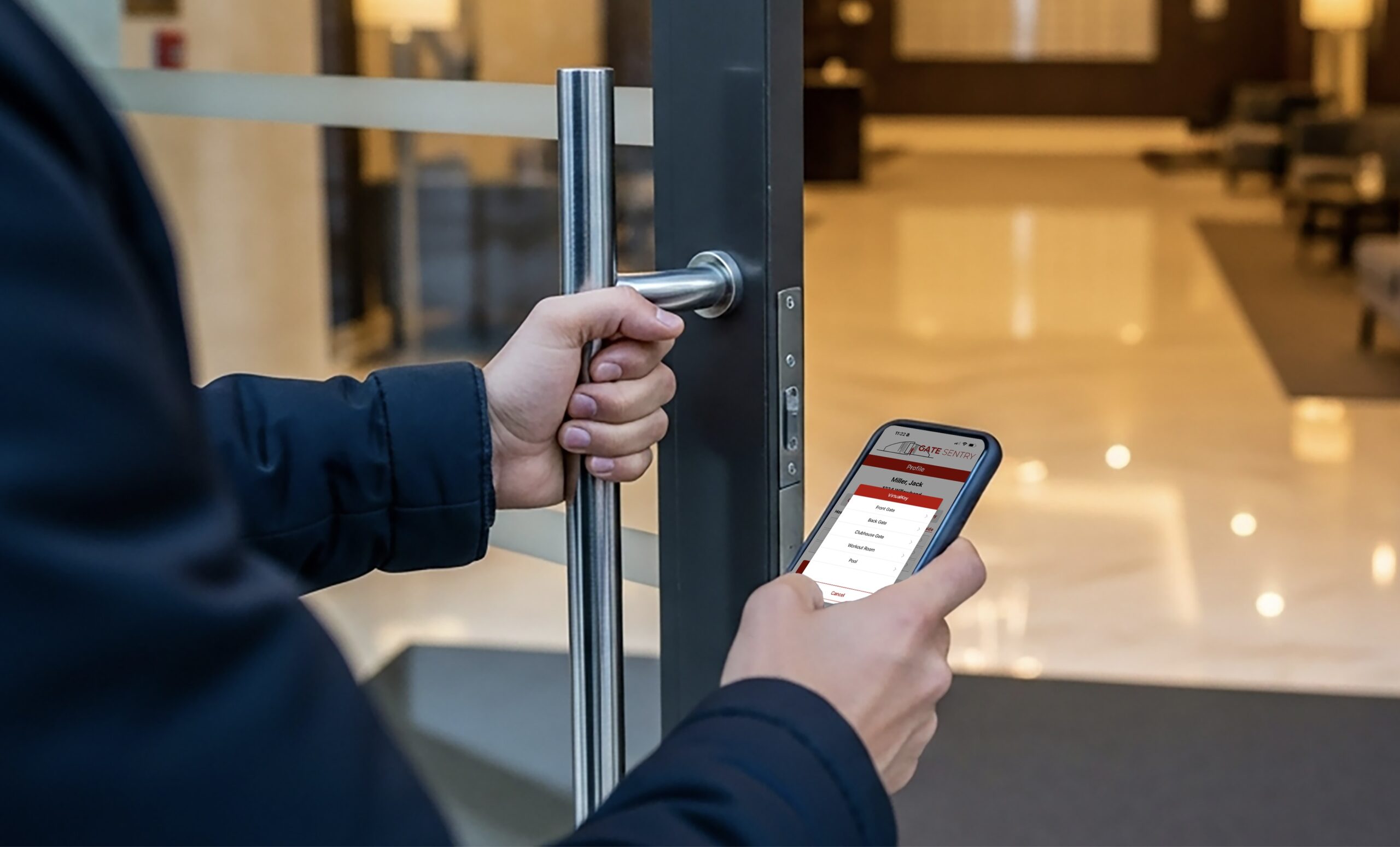
Smartphone door access uses the phone’s wireless communication capabilities to communicate with a credential reader at the door, replacing the physical card as the authentication token. The two primary technologies are Near-Field Communication (NFC) and Bluetooth Low Energy (BLE). [1]
NFC (Near-Field Communication) NFC requires the phone to be within a few centimeters of the reader — similar to how a contactless payment works at a checkout terminal. The employee holds their phone near the reader, and the credential is communicated in under a second. NFC works on both iOS (iPhone 7 and later) and Android devices, and the short read range means intentional presentation — the employee actively holds the phone near the reader rather than having the credential read at a distance. NFC is the standard for tap-style mobile access that most closely mirrors the experience of a physical card.
Bluetooth Low Energy (BLE) BLE readers communicate with a phone from a greater distance — typically up to 10 to 30 feet depending on reader configuration. This enables “hands-free” access: the employee’s phone communicates with the reader as they approach the door, and the door unlocks before they need to touch anything. BLE access can be configured for different sensitivity zones — a close tap-to-open gesture, a medium-range hands-free presentation, or (for vehicle gates) a long-range open as the employee drives up. [1]
Many modern Austin tech office deployments use readers that support both NFC and BLE, allowing individual users to choose their preferred interaction style and allowing the same reader to support a range of use cases — tap-style at the front desk, hands-free at the stairwell doors, long-range at the parking gate.
The credential itself — the digital representation of the access authorization — is stored securely on the phone’s secure element or in a secure enclave, similar to how payment credentials are stored for Apple Pay or Google Pay. This makes mobile credentials significantly more difficult to clone than a 125kHz proximity card, which broadcasts an unencrypted fixed number readable by inexpensive equipment. [2]
Moving Beyond Plastic Cards: Secure Mobile Credential Technology
The security architecture of mobile credentials is fundamentally different from physical proximity cards — and the difference matters for Austin tech companies where data and IP protection is a core business concern.
Why 125kHz cards are inadequate for a technology company’s access control. A standard 125kHz prox card broadcasts a fixed, unencrypted identifier that can be read at close range by a cloning device available for under $50. Anyone who passes within a few inches of an employee’s visible lanyard — in an elevator, at a coffee shop, in a shared building lobby — can silently read and copy the credential. The copy is indistinguishable from the original. For an Austin tech company managing R&D IP, source code repositories, and sensitive product development spaces, this is an unacceptable credential security posture. [2]
Why 13.56MHz smart cards are better but still physical. Smart cards using MIFARE DESFire or similar technology provide encrypted credential communication that is not trivially clonable. But they are still physical cards: they can be lost, shared, forgotten, and require a physical issuance and collection process. For Austin tech companies running rapid headcount growth — where new employees are onboarding weekly and offboarding is equally frequent — physical card management is an operational burden.
Why mobile credentials address both problems. A mobile credential stored on an employee’s personal smartphone is:
- Cryptographically secured: communication between phone and reader uses AES encryption and mutual authentication, not a fixed identifier broadcast. [1]
- Tied to device identity: the credential works on the enrolled phone only — it cannot be transferred to another device without re-enrollment.
- Instantly provisionable and revocable: credentials are issued and revoked through the platform software, with immediate effect on the enrolled device.
- Already in the employee’s pocket: no physical card production, distribution, or collection required.
Leading mobile credential platforms deployed in Austin’s tech market include HID Origo (formerly HID Mobile Access), Allegion ENGAGE, Brivo Mobile Pass, and Openpath — each offering different combinations of NFC/BLE support, enterprise identity integration, and cloud management. [3]
Integrating Door Access with Slack, Google Workspace, and HR Platforms
This is where smartphone door access moves from a security upgrade to an operational platform — and where Austin’s tech companies find the most compelling business case.
Slack Integration Several access control platforms — including Brivo and Openpath — offer Slack integrations that allow security and facility events to surface directly in team channels. Common implementations include door access alerts for restricted areas appearing in a security-team channel, visitor arrival notifications sent to the relevant team member’s Slack DM, and after-hours access events posted to a monitoring channel in real time. Some platforms also allow Slack-based approval workflows — an employee requests temporary access to a restricted lab space, the request appears in a Slack channel, and an authorized approver grants or denies it directly from Slack without logging into the access control platform. [4]
Google Workspace (G Suite) Integration Google Workspace integration with access control platforms typically operates through SCIM (System for Cross-domain Identity Management) — the standard protocol for synchronizing identity data between cloud platforms. When a new employee is added to Google Workspace, SCIM provisioning automatically creates their access control account with the appropriate role-based access profile. When the employee’s Google account is deactivated (upon termination or departure), SCIM deprovisioning automatically revokes their access control credentials. [5]
For Austin tech companies that use Google Workspace as their identity provider, this integration means that the access control system stays synchronized with the company’s source of truth for employee identity — no separate access control enrollment step, no manual deactivation required on departure.
Okta, Azure AD, and SCIM-Based Identity Providers The same SCIM-based integration approach applies to companies using Okta, Microsoft Azure Active Directory, or other enterprise identity platforms. Access control platforms with SCIM support receive real-time provisioning and deprovisioning events from the identity provider — keeping access synchronized with the company’s HR and IT systems without manual intervention.
Automating Employee Onboarding and Offboarding Through Access Control
For high-growth Austin tech companies managing rapid headcount changes, the automation of access control provisioning and deprovisioning through HR system integration is one of the most impactful operational improvements that mobile access control delivers.
Automated Onboarding When a new employee’s record is created in the HRIS (Workday, BambooHR, Rippling, or similar), an integration event triggers automatic creation of their access control account with the appropriate role-based access profile for their department, location, and start date. Their mobile credential is issued to their enrolled device — or an enrollment invitation is sent to their email — before they arrive on day one. Their first-day experience includes working door access from the moment they arrive, without waiting for an IT or facilities team member to manually issue a credential. [6]
Automated Offboarding When an employee’s record is terminated in the HRIS — at their departure date or immediately upon resignation or termination — the integration event automatically revokes all access credentials associated with that employee across all locations. No manual steps, no reminder tickets to IT, no window of continued access while a facilities team processes the deactivation request. For Austin tech companies where departing employees may have access to sensitive R&D or restricted office areas, immediate automated deactivation is a meaningful IP and security control. [6]
Role-Based Access Profiles Access profiles defined by department, seniority, and location — engineering has lab access, finance has records room access, all employees have main office access — are maintained at the role level. When an employee changes teams or is promoted, updating their profile in the access control system (or in the integrated HRIS) updates their access across all locations automatically.
Reader Hardware: What Works for Austin’s Modern Office Environments
The credential technology and platform are only part of the decision. The reader hardware — the device that communicates with the phone at each door — must match both the technology (NFC, BLE, or both) and the aesthetic expectations of a modern Austin tech office environment.
Mullion and Surface-Mount Readers Standard commercial readers in slim, modern form factors. Brands like HID Aero, Allegion ENGAGE readers, and Openpath reader hardware offer clean, contemporary designs appropriate for Austin’s modern office environments.
Multi-Technology Readers Readers that support multiple credential types simultaneously — 125kHz legacy cards, 13.56MHz smart cards, NFC mobile, and BLE mobile — allow facilities to transition gradually from legacy cards to mobile credentials without requiring all employees to switch on day one. This is the recommended approach for Austin companies with existing physical card infrastructure transitioning to mobile access.
Touchless and Video-Integrated Readers For Austin tech companies focused on both contactless entry and enhanced visitor management, some reader hardware includes integrated cameras for visual verification of mobile credential presentation — adding a visual layer to the credential authentication at doors where additional assurance is required.
Request-to-Exit Devices On the interior (egress) side of access-controlled doors, request-to-exit motion sensors release the electric lock for free egress without requiring a credential presentation. These must be coordinated with the reader and door hardware selection for each door position.
Hybrid Systems: Supporting Both Mobile and Card Credentials During Transition
Most Austin tech office deployments don’t transition from physical cards to mobile credentials overnight. The practical reality is a hybrid period — typically 60 to 180 days — during which both physical cards and mobile credentials are active simultaneously, allowing employees to transition to mobile at their own pace.
Multi-technology readers that support both physical cards and mobile credentials (NFC and BLE) simultaneously are the hardware solution for this transition period. Every employee continues to use their existing physical card until they enroll a mobile credential — at which point the physical card can be deactivated.
The enrollment process for mobile credentials is straightforward: the employee receives an enrollment invitation (typically by email), downloads the access control app, and completes the enrollment on their device. The credential becomes active immediately after enrollment. Total time: under 5 minutes for most employees.
For Austin companies with a mix of employees who prefer physical cards and those who prefer mobile (a common split across engineering vs. other departments), multi-technology readers permanently support both formats without any additional cost.
System Comparison Table
| Feature | 125kHz Prox Card | Smart Card (13.56MHz) | Mobile Credential (NFC/BLE) |
|---|---|---|---|
| Cloning Risk | High (trivially clonable) | Low (encrypted) | Very Low (cryptographic mutual auth) |
| Provisioning Time | Hours–days (physical production) | Hours–days (physical production) | Minutes (instant digital issue) |
| Deactivation Speed | Manual, minutes–hours | Manual, minutes–hours | Instant (software revocation) |
| Lost Credential Process | Physical replacement required | Physical replacement required | Re-issue to new device instantly |
| HR System Integration | None | Limited | Full SCIM/API integration |
| Slack/Workspace Integration | None | None | Yes (platform-dependent) |
| Hands-Free Access | No | No | Yes (BLE long-range) |
| Cost Per Credential | $3–$10 (card cost) | $5–$20 (card cost) | ~$0 (software license covers) |
| Best For | Legacy systems | Security upgrade, no phone preference | Modern tech environments, high-turnover |
Cost and Pricing for Austin Tech Office Installations
| Facility Scope | Estimated Cost Range |
|---|---|
| Small Austin Startup (3–8 doors, single floor) | $5,000 – $15,000 |
| Mid-Size Tech Office (8–20 doors, multi-floor) | $15,000 – $35,000 |
| Enterprise Austin Campus (20+ doors, multiple buildings) | $30,000 – $80,000+ |
| Reader Upgrade Only (existing infrastructure) | $400 – $900 per reader |
| SCIM Integration Setup (Google Workspace / Okta) | $1,000 – $4,000 per integration |