

Truck Parking Access Control + Payment System.
Drivers and fleets rent a truck-and-trailer, trailer-only or bobtail space online, pay by card and get their gate code right away. Monthly spaces bill on autopay, the gate opens from the driver’s phone or the keypad at any hour, and drivers who stop paying are locked out automatically.
- – Online rental of truck-and-trailer, trailer-only and bobtail spaces, with card payment and monthly autopay
- – Personal gate codes and QR phone entry around the clock, with no gate guard needed
- – Automatic lockout for missed payments, with access restored as soon as the driver pays
Stop Collecting Parking Fees in Cash and Chasing Drivers
Truck lots run on odd hours. Drivers pull in at 2 a.m., spaces get rented over the phone, payment shows up as cash or a check at the office, and the gate code gets passed from driver to driver. Trucks that stopped paying keep rolling in. Nexlar’s system connects space rentals, payments and gate access, so the gate follows each driver’s account: drivers who pay get in, and drivers who don’t pay don’t.

System Design
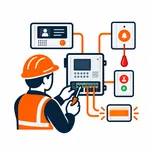
Professional Installation
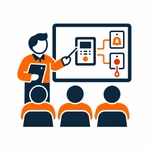
Owner Training
Local Service & Support
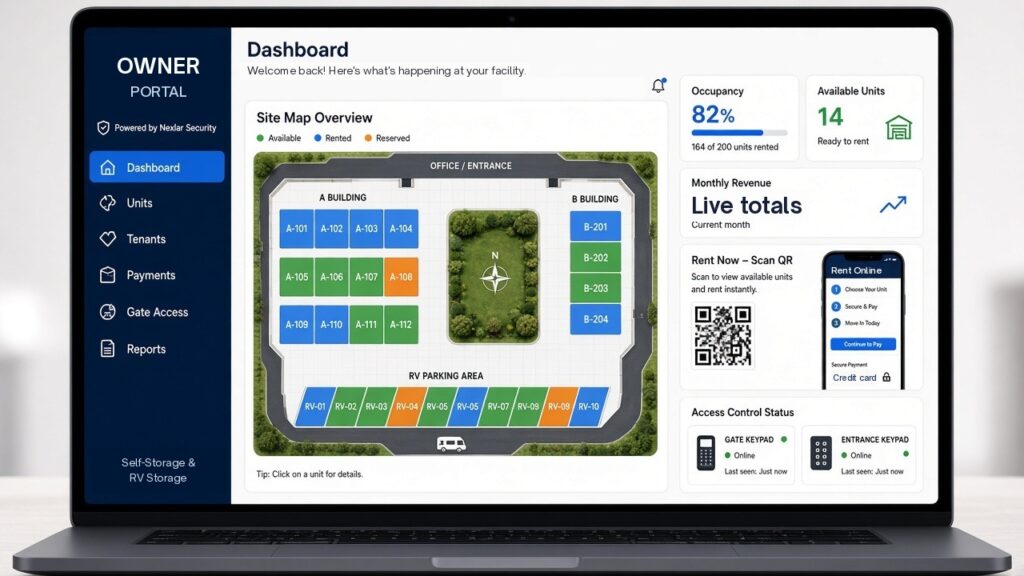
See Every Space and Every Truck Movement
- Occupancy by space type, including truck-and-trailer, trailer-only and bobtail, shown on a lot map
- Who paid, who is on autopay and who is past due
- Past-due drivers flagged automatically
- Revenue collected through online payments
- Gate activity log with every entry and exit tied to a driver code, so you can see when a truck came in or left
From Online Rental to Open Gate, Day or Night
1. Find a Space
2. Register & Pay
3. Autopay Every Month
4. Instant Gate Code
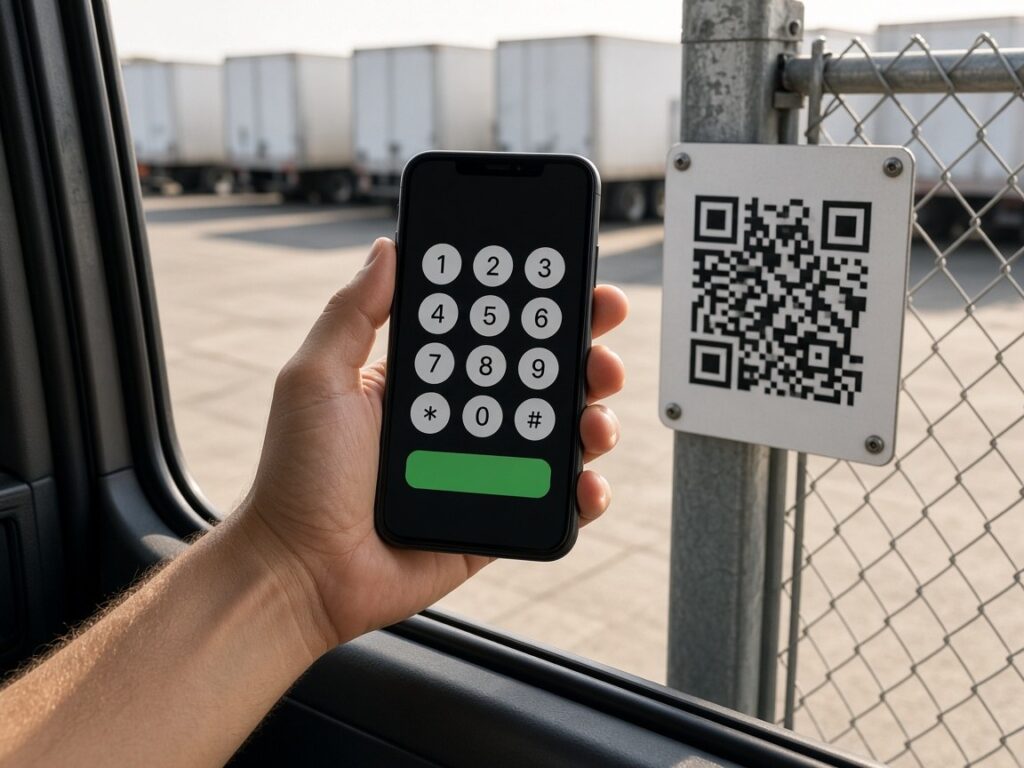
5. Scan or Key In From the Cab
6. Exit the Same Way
Built Around a Driver’s Schedule
Drivers rent, pay and get through the gate without waiting for staff.
- Rent from the cab. Drivers find and pay for a space from their phone, with no office hours to work around.
- Pull in at any hour. The gate code works around the clock, so a late-night arrival doesn’t need anyone at the gate.
- One personal code. Each driver gets their own gate access code, so codes aren’t shared across the lot.
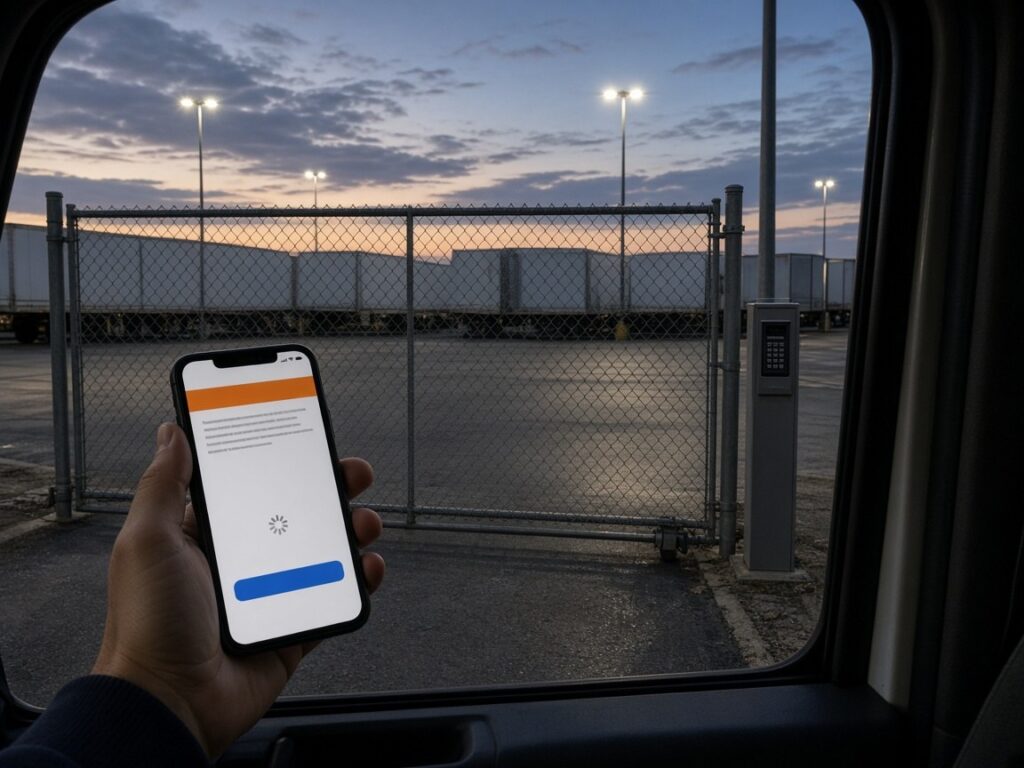
- Phone or keypad entry. Drivers scan the QR sign to turn their phone into a keypad, or they type their code on the physical keypad.
- Self-service account. Drivers log in on the app or web to manage their space and payments.
WHO IT’S FOR
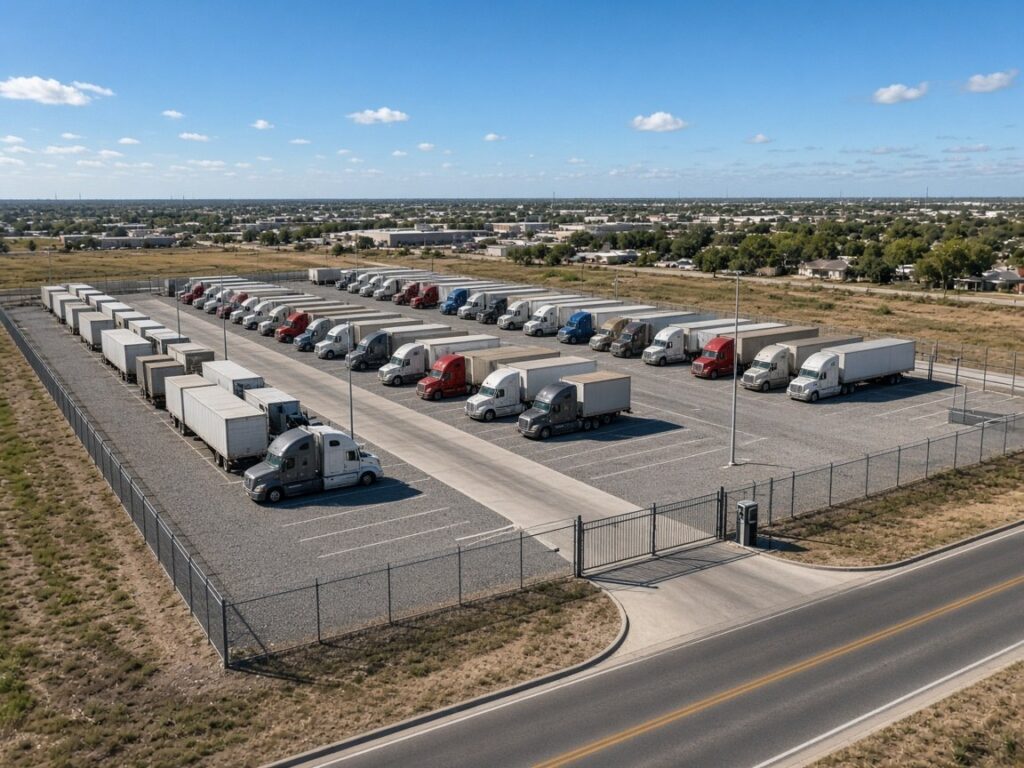
Built for Texas Truck and Trailer Parking
Nexlar designs and installs this system for lot owners who want to rent spaces, collect payment and control the gate without a guard or an office on site.
- Truck Parking Lots. Rent spaces to owner-operators and fleets online and collect payment by autopay.
- Trailer Drop & Trailer Parking Yards. Control who drives in to drop or pick up a trailer, with every entry and exit logged.
- Fleet & Contractor Yards. Give each driver their own gate code and see who came and went, without handing out keys or remotes.
Drivers Who Stop Paying Can’t Pull In, and Get Back In When They Pay
02 – Driver Notified. The driver is told that payment is required to enter the property and that entering without paying is trespassing.
03 – Code Suspended. The driver’s gate code is automatically suspended, so it won’t open the gate by phone or keypad.
04 – Pay Online, Access Restored. As soon as the driver pays online, their code works again automatically.
No staff, no keys, no calls.
Truck Parking Access Control & Payment FAQs
Can drivers rent a space without coming to the office?
How do drivers open the gate? Can they do it from the cab?
Can I rent different kinds of spaces?
What happens when a driver misses a payment?
What can I see as the lot owner?
Do you also install cameras for truck lots?
Ready to Automate Space Rentals, Payments and Gate Access?
Nexlar Security · 2825 Wilcrest Dr Ste 170, Houston, TX 77042