

Permit Parking Access Control + Payment System.
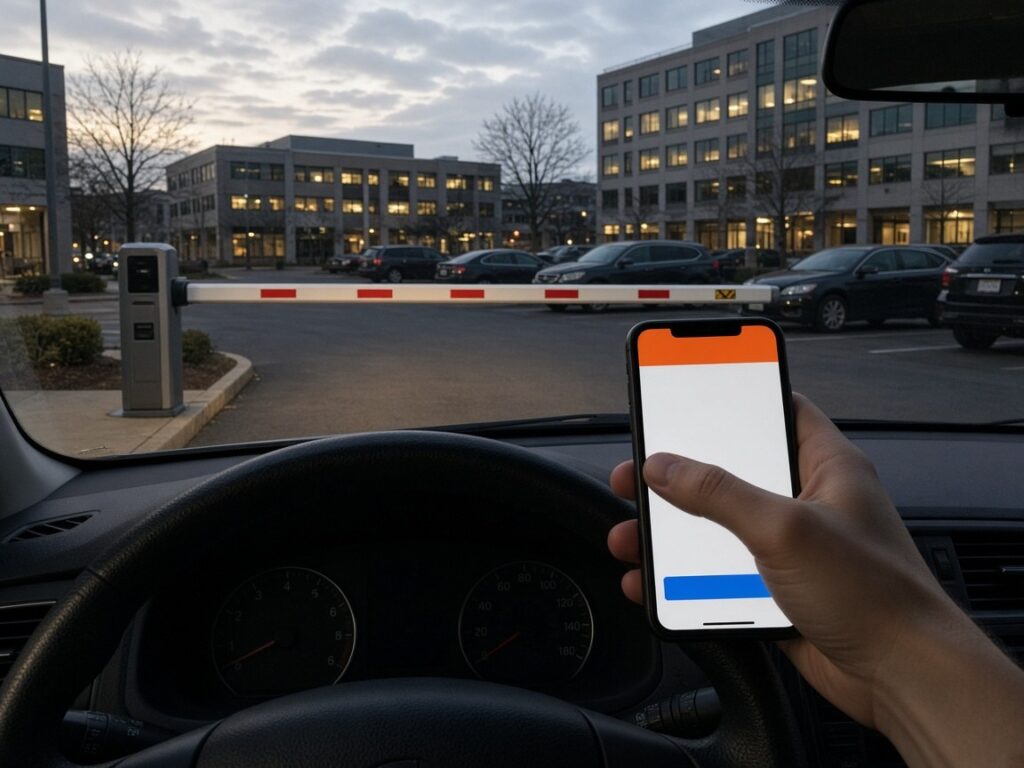
Parkers buy a monthly permit or a reserved space online, pay by card and get their gate code right away. Permits renew on autopay, the barrier arm opens from the parker’s phone or the keypad, and permits that go unpaid stop working automatically.
- – Monthly permits and reserved spaces sold online, with card payment and autopay renewals
- – Personal gate codes and QR phone entry, with no hang tags or access cards to hand out
- – Automatic lockout for unpaid permits, with access restored as soon as the parker pays
Stop Managing Monthly Parkers With Hang Tags and Spreadsheets
Monthly parking usually means printing hang tags or issuing cards, tracking renewals in a spreadsheet, sending invoices and chasing late payers. Meanwhile, parkers whose permits ran out keep getting through the gate. Nexlar’s system connects permit sales, payments and gate access, so the gate follows each parker’s account: active permits get in, and unpaid permits don’t. For pay-per-visit and visitor parking, see our ticketless QR pay-to-park solution.

System Design

Professional Installation

Owner Training
Local Service & Support
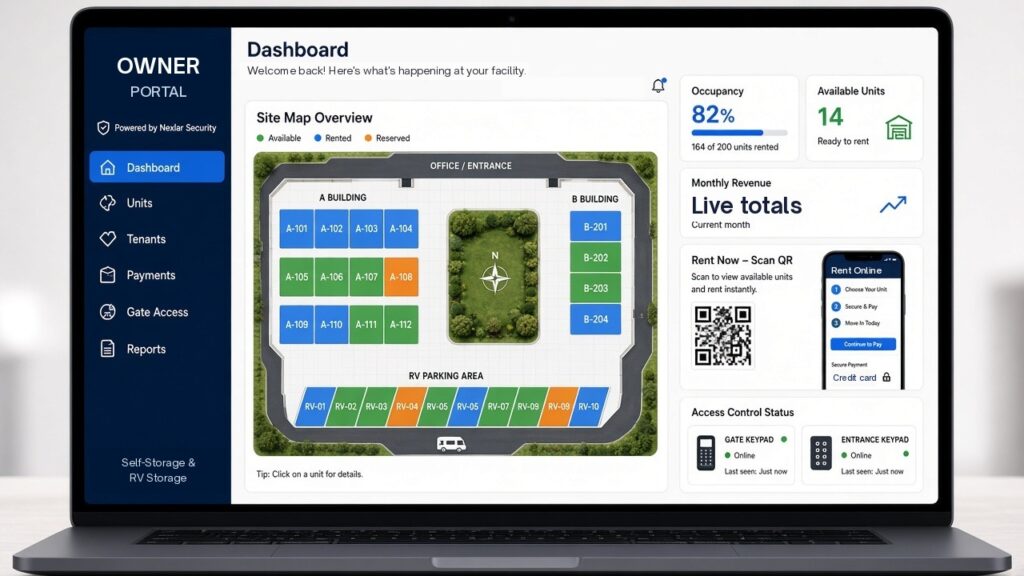
Every Permit, Payment and Lane Event in One Place
- Active permits and reserved spaces, shown on a space map
- Who paid, who is on autopay and who is past due
- Unpaid permits flagged automatically
- Revenue collected through online payments
- Lane activity log with every entry and exit tied to a permit holder
From Online Permit to Raised Arm, With No Parking Office
1. Choose a Permit or Space
2. Register & Pay
3. Autopay Renewals
4. Instant Gate Code
5. Scan or Key In at the Lane
6. Exit the Same Way
Easier for Monthly Parkers
Parkers buy a permit, pay and get through the gate without waiting for staff.
- Buy a permit online. Parkers choose a permit or reserved space and pay from their phone, with no office visit or paperwork.
- Nothing to hang or carry. Their gate code and phone take the place of a hang tag or access card.
- Renews on its own. Autopay keeps the permit active month after month.
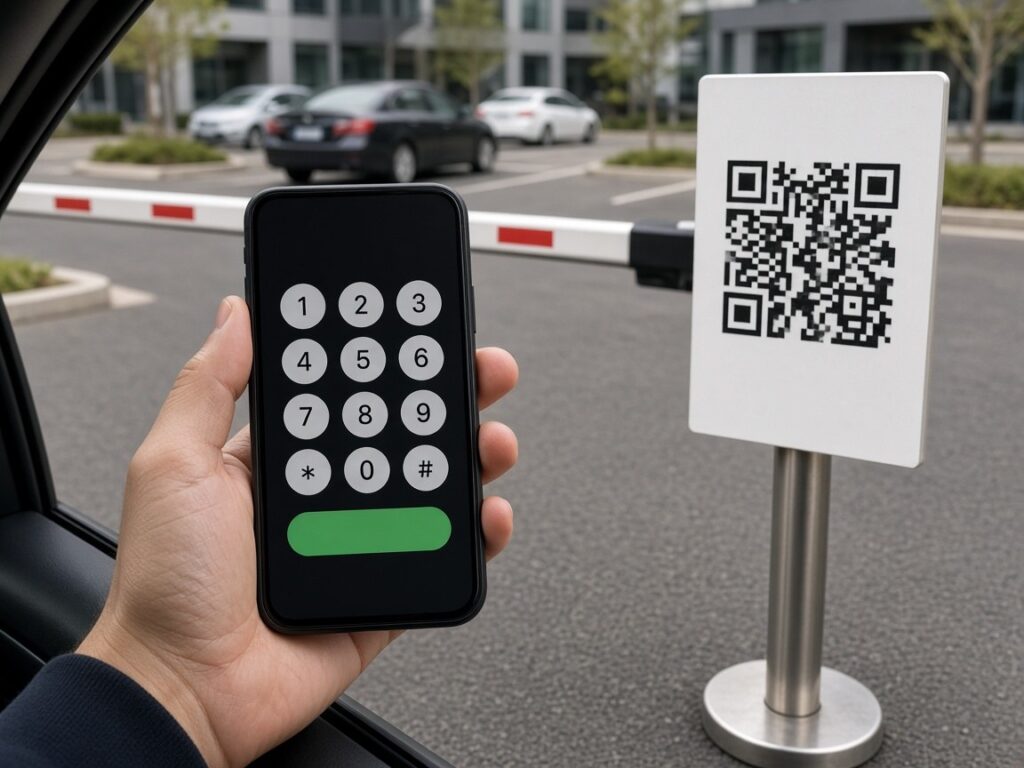
- Phone or keypad entry. Parkers scan the QR sign to turn their phone into a keypad, or they type their code on the lane keypad.
- Self-service account. Parkers log in on the app or web to manage their permit and payments.
WHO IT’S FOR
Built for Texas Monthly and Reserved Parking
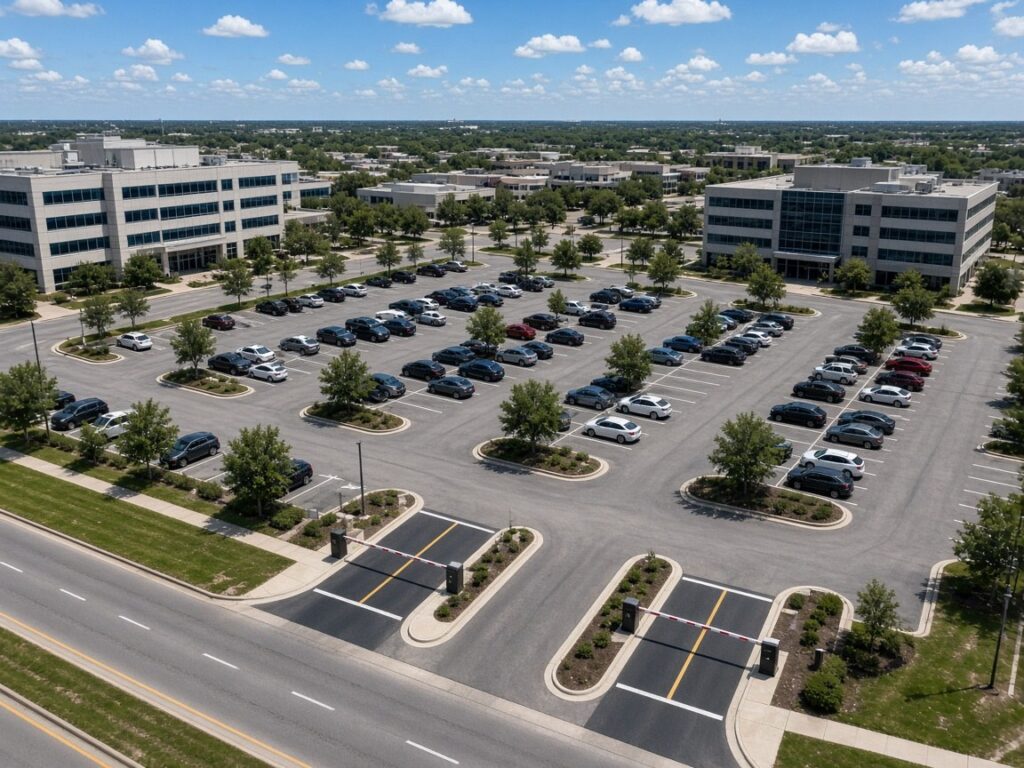
Nexlar designs and installs this system for lot and garage owners who want to sell permits, collect payment and control the gate without an attendant.
- Commercial & Office Parking. Sell monthly permits to the people who work in your buildings, and stop tracking hang tags.
- Apartment & Condo Parking. Sell reserved or covered spaces to residents and control who enters the gated lot.
- Private Paid Lots & Garages. Offer monthly permits online and collect payment automatically, with every lane event logged.
Unpaid Permits Stop Opening the Gate Automatically, and Start Again When They’re Paid
02 – Parker Notified. The parker is told that payment is required to enter the property and that entering without paying is trespassing.
03 – Code Suspended. The parker’s gate code is automatically suspended, so it won’t raise the arm by phone or keypad.
04 – Pay Online, Access Restored. As soon as the parker pays online, their code works again automatically.
No staff, no keys, no calls.
Permit Parking Access Control & Payment FAQs
Can parkers buy a monthly permit without visiting an office?
How do parkers open the gate or barrier arm?
How do permit renewals work?
What happens when a permit holder doesn't pay?
What can I see as the lot owner?
Does this handle pay-per-visit parking too?
Ready to Automate Permits, Payments and Gate Access?
Nexlar Security · 2825 Wilcrest Dr Ste 170, Houston, TX 77042